
PRODUCTS

 |
| |||||||||
 |
 |
 |
 |
 |
|||||


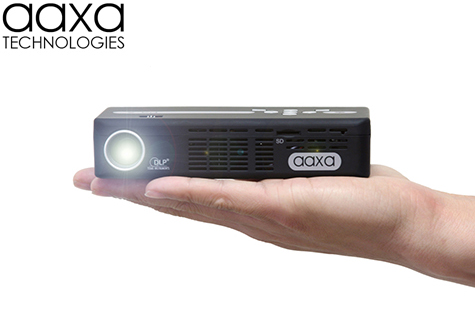
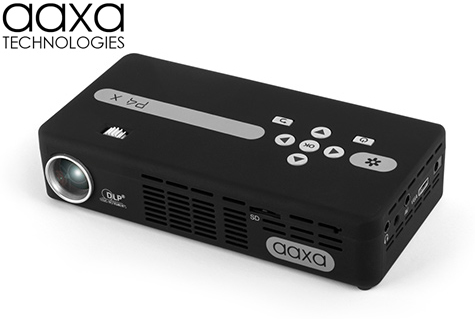
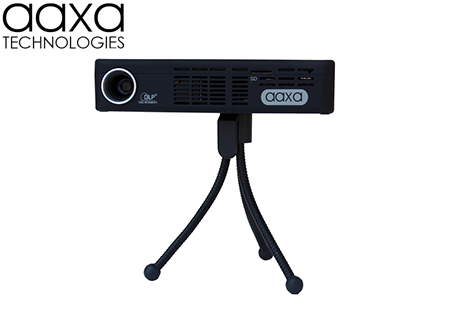
 AAXA Technologies is excited to announce the release of our P4-X Pico Projector, the worlds brightest battery-powered projector. The AAXA P4-X Pico Projector features up to 175 Lumens via a high-contrast optical engine powered by Texus Instruments DLP. Combined with AAXA's Vibrant Color Technology, the P4-X features long-life 20,000 hour LEDs and can deliver a brilliant colorful image of up to 120".
The P4-X offers a high resolution mini-HDMI connection for direct connection to your HDMI sources for audio and video up to 720p.

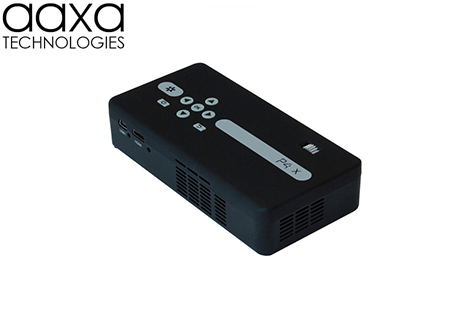
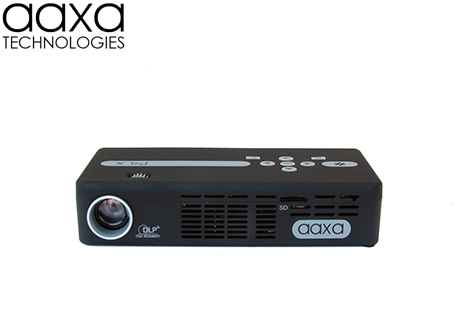
At less than 5.6" long, 2.7" wide, and 1.2" tall, the P4-X is both a true pocket projector and a powerful mobile computing platform. The P4-X Pico Projector features a built-in lithium ion battery capable of powering the projector for over 90 minutes on a single charge. Additional features include the MicroSD card slot, USB On-The-Go, Mini-HDMI, Composite Video Input, VGA Input, and a 1 watt onboard speaker.
Super Color and Image Quality
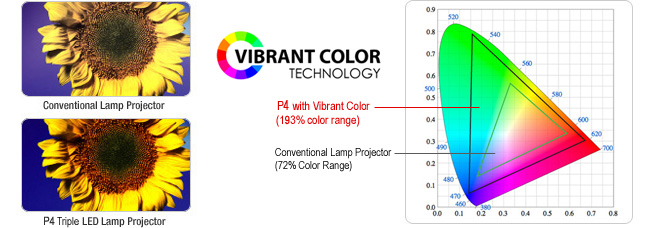
The Vibrant Color Technology and triple LED light source in the P4-X produces a vivid display with amazing color saturation.
Long Operation Life
 | Conventional lamp-based projectors require frequent bulb changes with very expensive bulbs that cost hundred of dollars. |  | The P4-X's LED light source lasts 10 times longer than conventional lamps so bulb changes are a thing of the past! |
 |
The P4-X's lithium ion battery gives you upwards of 90 minutes of operation! Rechargable and long lasting the internal lithium ion battery makes the P4-X a truly portable unit. |
Real Quick ON & OFF
 | Long warm-up and cool down times, sometimes for several minutes, are required for projectors using traditional lamps. |  | The LED light source enables the P4-X to achieve full brightness within seconds. Of course, it turns off instantly as well. |
Versatile Multimedia Support
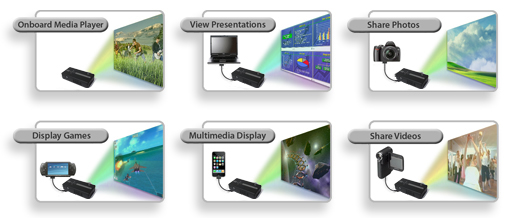
- Onboard media player supports popular file formats
- Share movies, videos, photos with friends and family
- Bring presentations anywhere and everywhere
- Enjoy gaming and entertainment without large TV's
Environmentally Friendly
 | The P4-X's LED light source consumes less power. The LED is also 100% free of mercury and, as the bulb never needs to be replaced, there are no discarded bulbs. |
**120" image possible in low light conditions
| Max Resolution: | 1920x1080 (Full HD) |
| Native Resolution: | 854x480 (WVGA) |
| Brightness: | 175 Lumens |
| Contrast Ratio: | 2000:1 |
| Noise: | < 30 dBs |
| Projection Lens: | Manual Focus |
| Projection Image: | Available Size 10 ~ 120 inch |
| Lamp: | Triple RGB LEDs with Vibrant Color Technology
Life 20,000hrs |
| Aspect Ratio: | 16:9 |
| Projection Angle: | 33.4° |
GENERAL SPECIFICATIONS
| Audio Output | 1W (x2) Stereo Speakers Stereo speaker/headphone mini-jack |
| Color: | Soft Black |
| File Playback: | microSD & USB Host reader |
| Menu Language: | English, Spanish, French, German, Chinese |
| Battery Life: | 90 Minute Li-Ion Rechargeable Battery |
| Dimensions: | 141*71*31 mm |
| Weight: | 0.4 lbs |
| Power Consumption: | 12.5 W |
| Supported Formats | MP3 / WMA / OGG / WAV / AVI BMP / JPG / GIF / TXT |
| Conformances: | CE, FCC Class A |
INPUTS / OUTPUTS
| Video In: | Mini-HDMI VGA (mini-VGA) Composite A/V (3.5mm Jack) |
| Audio Out: | 3.5mm Stereo Headphone Jack |
| USB: | 5 Pin Mini USB 1.1 |
INCLUDED ACCESSORIES
Composite AV Cable Wall Charger Remote Control VGA adapter cable USB Adapter Cable |
Popular Accessories
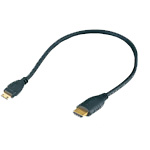 |
AAXA mini-HDMI to HDMI Cable
MSRP: $24.99 $18.99 |
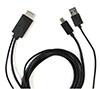 |
AAXA MHL Cable for Samsung Galaxy S3, S4, S5, Note 2, Note 3, Note 4
MSRP: $25.00 $19.99 |
|
|||
|
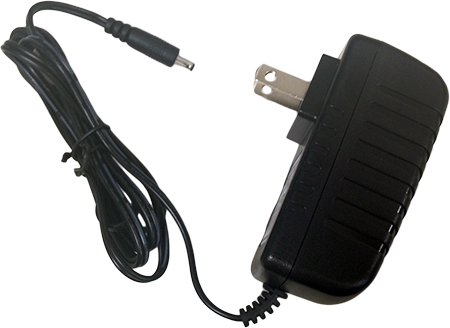
P4-X Power Adapter
MSRP: $25.00 $14.99 |
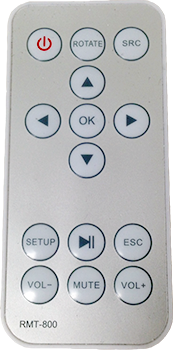 |
AAXA P4-X Remote Control
MSRP: $25.00 $9.99 |
|
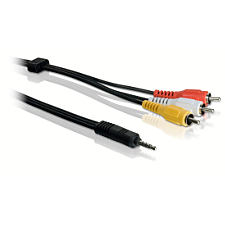
P4-X AV Cable
MSRP: $25.00 $9.99 |
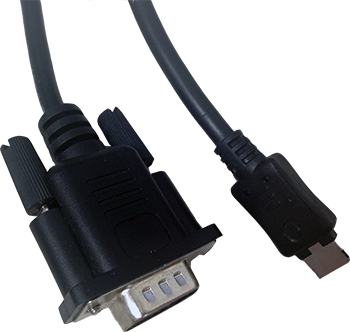 |
AAXA P4-X VGA Cable
MSRP: $25.00 $14.99 |
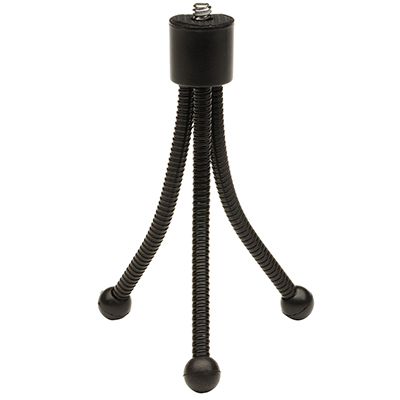 |
AAXA P4-X Tripod
MSRP: $14.99 $6.99 |
||
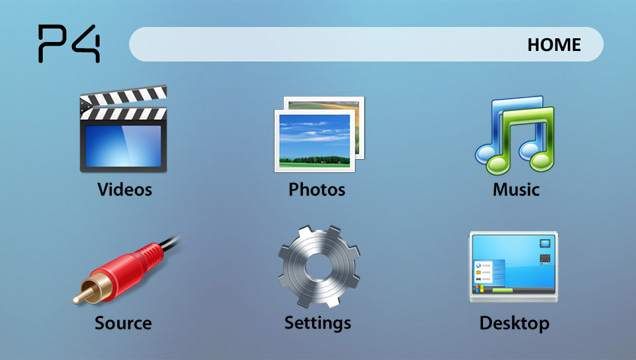
P4-X MEDIA PLAYER MAIN MENU
Exceptional Color Reproduction | Excellent Color Reproduction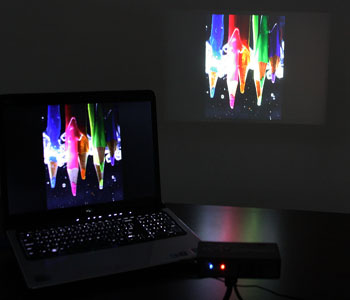 |
High Contrast Imager means Deeper Blacks | Clearly viewable text, even when zoomed in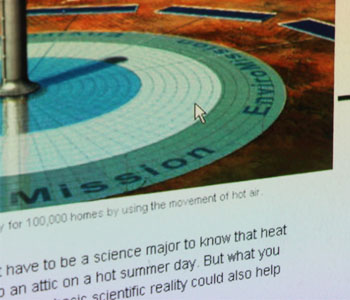 |
70" Image in a moderately lit room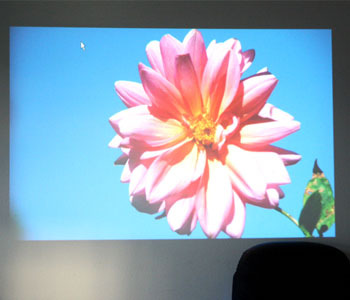 | 70" Image in a moderately lit room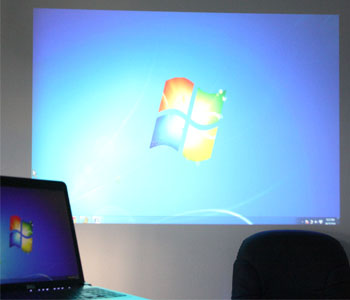 |
60" Image in a bright room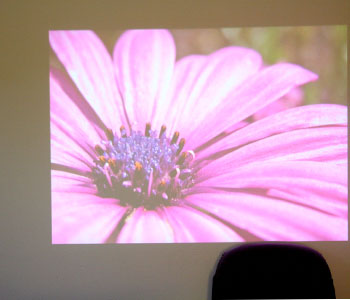 | 120" Image in a bright room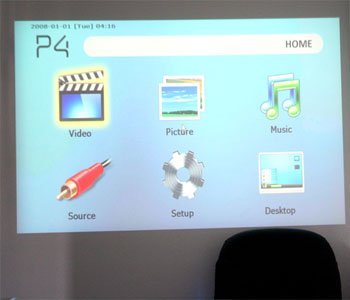 |
 P4 User Manual P4 Wi-Fi User Manual P4 - X User Manual
 Competitor Comparisons
LED Projectors versus UHP Projectors
Portable PowerPoint Presentations with AAXA Projectors

Q. What are the differences between the P4, P4 Wi-Fi, and P4 - X?
A. Please click here to read a description of differences between the P4, P4 Wi-Fi, and P4 - X
Q. How do I automatically connect my P4 Wi-Fi to my wireless router(access point, hot spot)?
A. Please click here to see instructions on how to automatically connect your P4 Wi-Fi to your wireless router(access point, hot spot.
Q. How do I manually connect my P4 Wi-Fi to my wireless router(access point, hot spot)?
A. Please click here to see instructions on how to manually connect your P4 Wi-Fi to your wireless router(access point, hot spot).
Q. How do I connect my P4 - X to a HDMI enabled device?
A. Please click here to see instructions on how to connect your P4 - X to a HDMI enabled device.
Q. How do I connect my P4 to a PC Computer?
A. Please click here to see instructions on how to connect your PC computer to the P4
Q. How do I connect my P4 to a Mac Computer?
A. Please click here to see instructions on how to connect your Mac computer to the P4
Q. How do I install Word, Excel and PowerPoint?
A. Please click here to see instructions on how to install Word, Excel and PowerPoint.
Q. How do I make portable presentations with my BlackBerry smartphone and the AAXA P4 Pico Projector?
A. Please click here if you would like to make PowerPoint or PDF presentations using a BlackBerry
Q. Why does my P4 makes a noise when I try to connect to it with AV cables?
A. Please click here to see instructions on how to resolve this problem
Q. Why am I having trouble connecting my USB OTG (On the Go) flash memory drive?
A. Please click here to see instructions on how to resolve problems with USB OTG
Q. Why can't I connect my computer via mini USB/sometimes disconnects from the P4?
A. Please click here to see instructions on how to resolve problems with connecting via Mini-USB